Sign in your way.
Use a password, Google, GitHub, or Microsoft. Organizations hold workspaces, and workspace roles decide who reads and who edits. Invite members with a link that you copy, with or without email.
Add sign-in providers → mddb
Open source · Self-hosted
mddb is a Notion-like workspace on your own server. Pages are Markdown, tables are JSON lines, and each workspace is a Git repository.
One executable with an embedded web app. Linux, macOS, and Windows.
Plain files
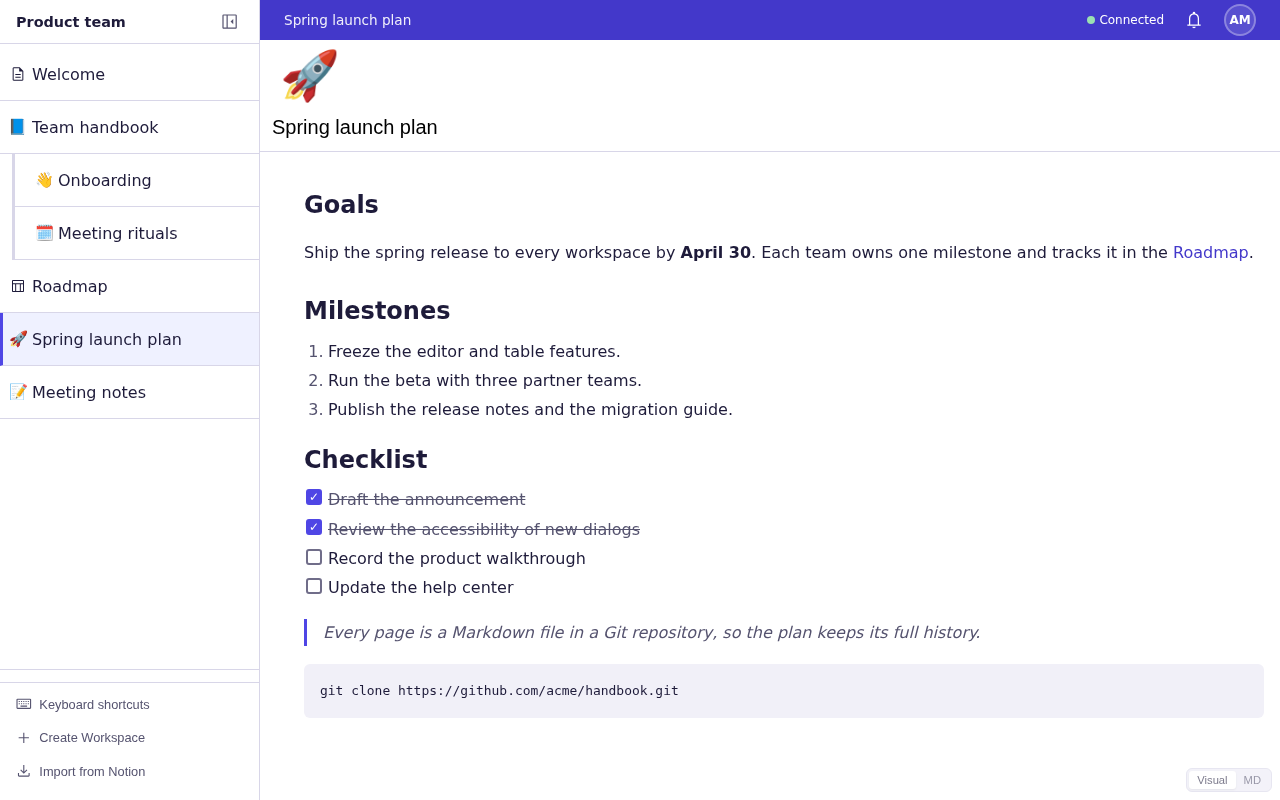
Pages are Markdown with YAML front matter. Table records are JSON lines. Images and files sit next to the page that uses them. Edit them with any editor or script, and back them up with standard tools.
See how content is stored →data/
└── <workspace-id>/ # One Git repository
└── <node-id>/
├── index.md # Markdown page
├── data.jsonl # Table records
└── <assets> # Images and filesTables and views
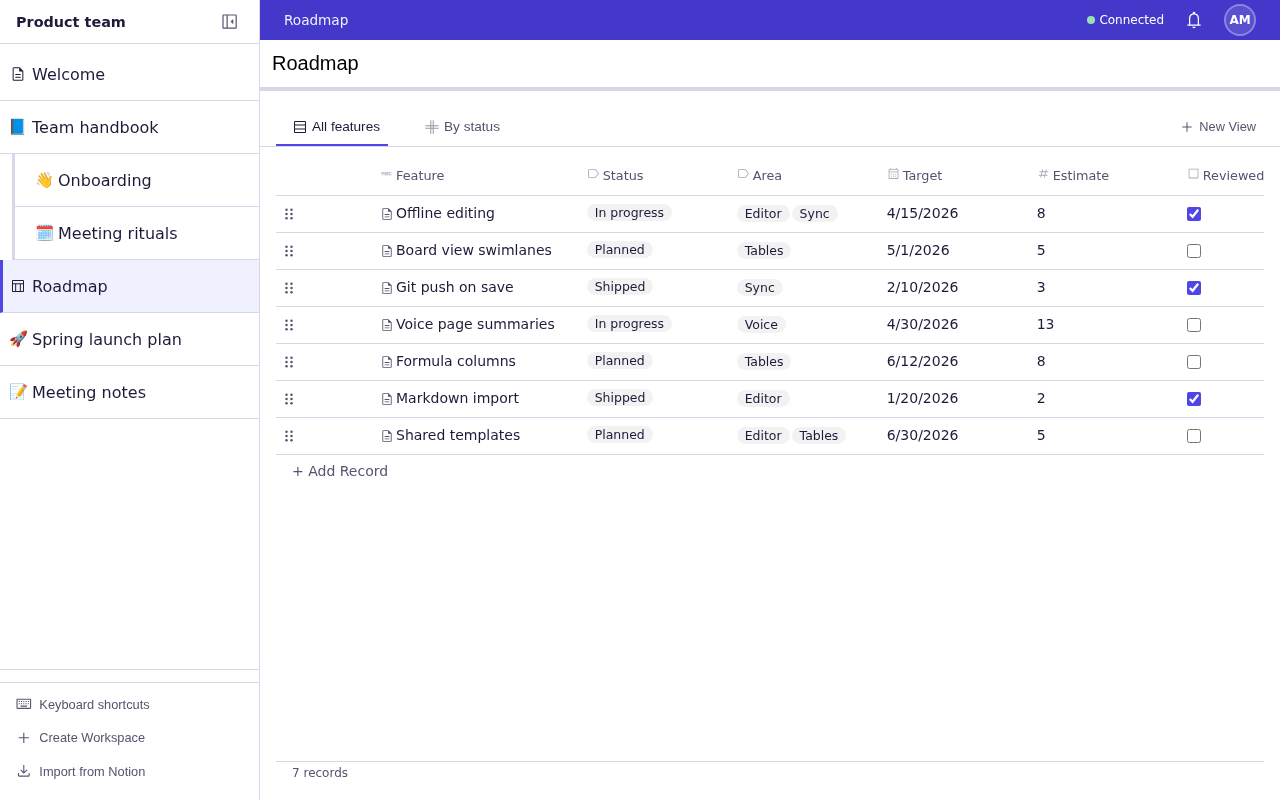
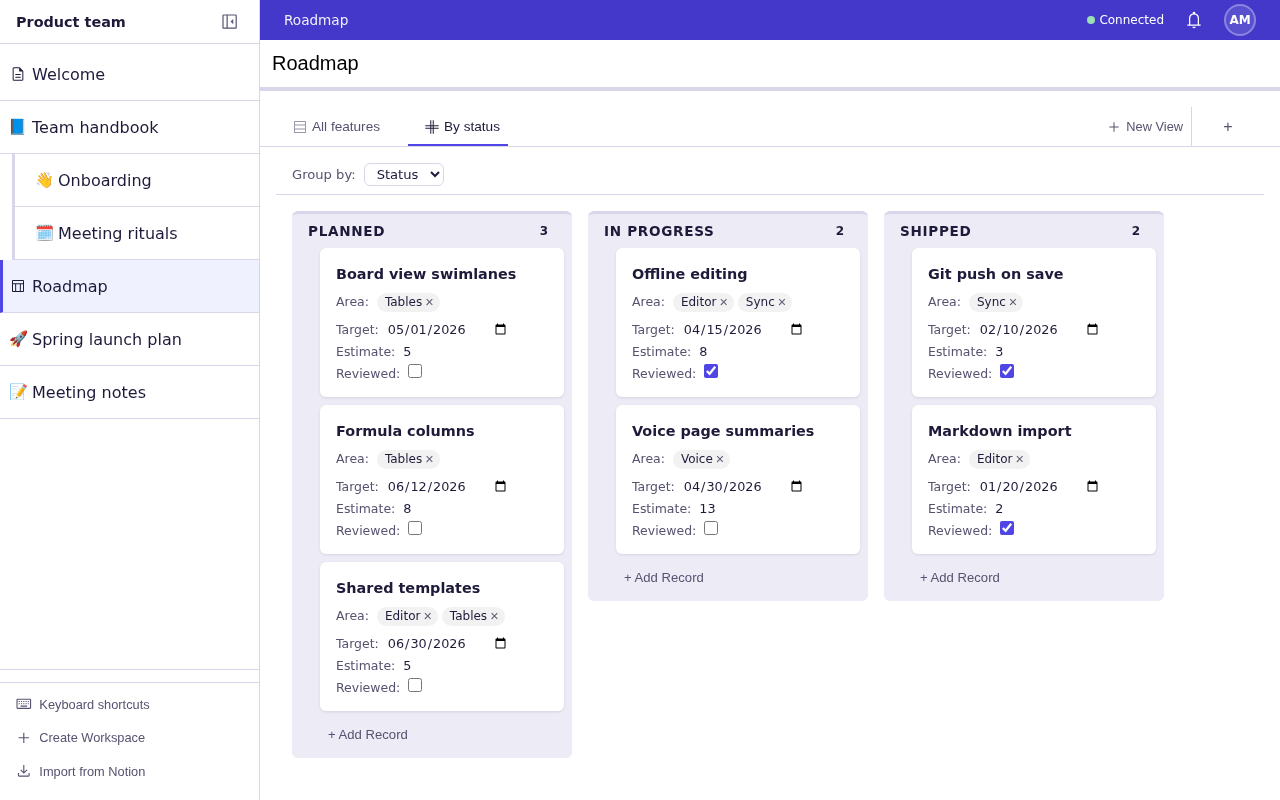
Store records under text, number, date, select, user, and URL columns. Show them as a table, list, gallery, or board. Each saved view keeps its own filters, sorts, and grouping.
Git sync
Connect a workspace to GitHub, GitLab, or any Git remote. Turn on Auto-push to send edits as you make them. With the GitHub App, mddb also pulls each change pushed to the repository.
Set up Git sync →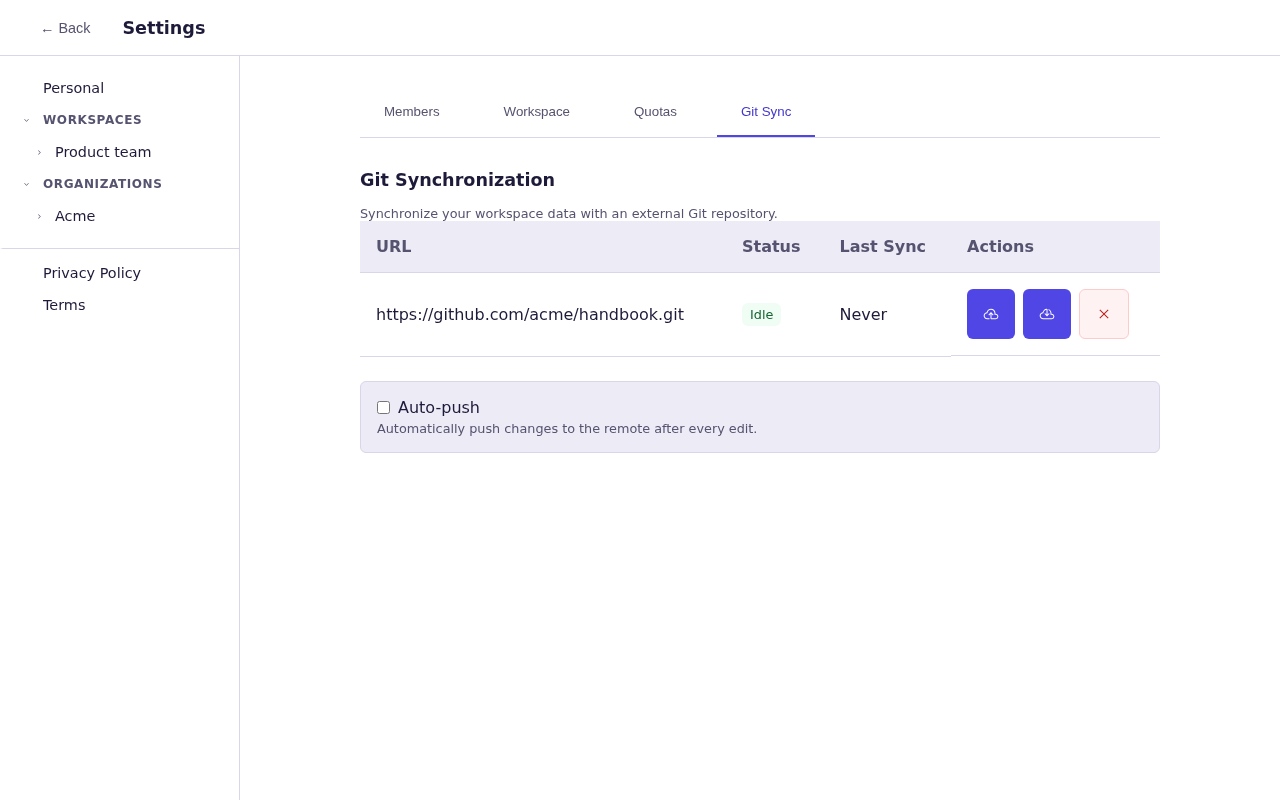
Agents and voice
mddb is a Go Mode host. Go Mode clients and the voice bar read pages and tables through MCP tools. Editors can also create pages and tables and change pages; each change is a Git commit.
Voice is off by default. You choose the gateway and the model providers. mddb does not store voice audio.
Connect Go Mode and voice →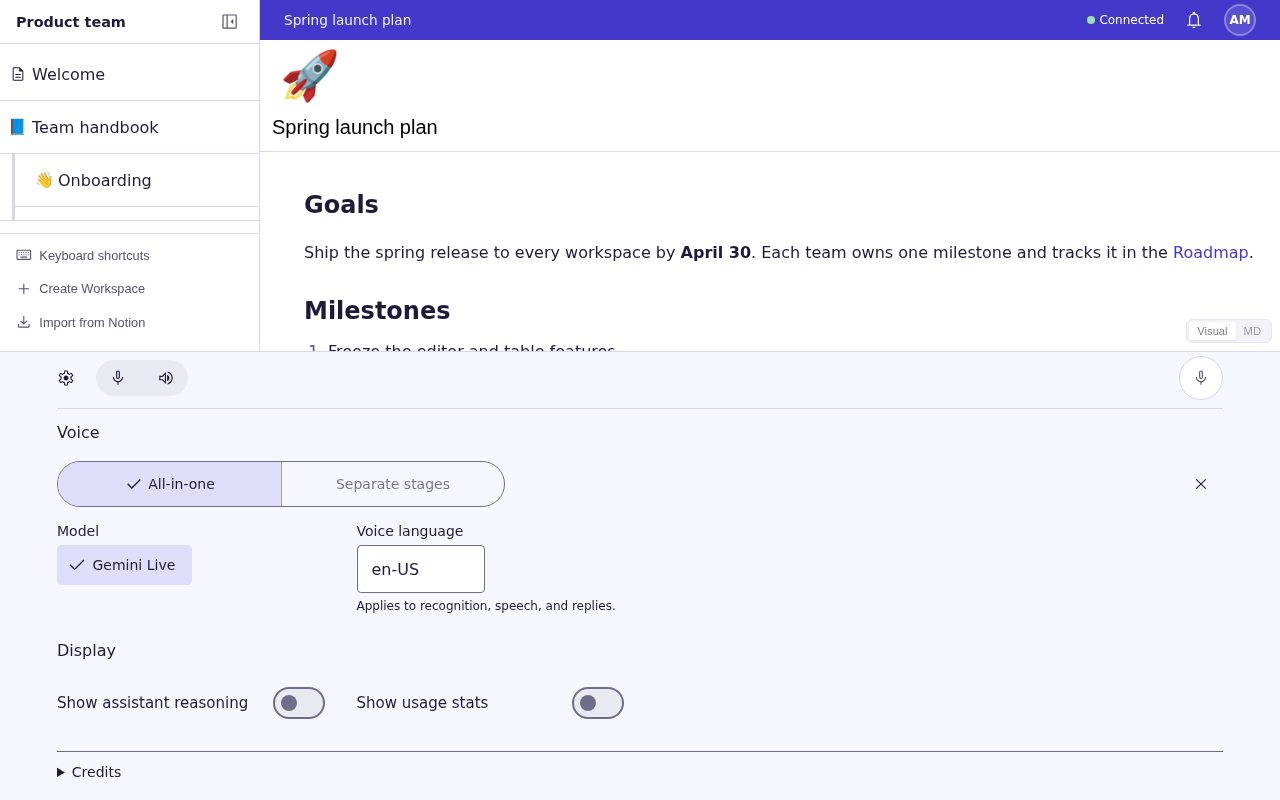
Use a password, Google, GitHub, or Microsoft. Organizations hold workspaces, and workspace roles decide who reads and who edits. Invite members with a link that you copy, with or without email.
Add sign-in providers →Import a Notion workspace from the web app. Pages become pages, databases become tables, and images and files download next to them.
Import from Notion →Workspaces stay on your machine. Git sync sends a workspace to a remote only after you configure one.
Where your data goes →Install
On Linux and macOS, the installer verifies the latest release and starts mddb as a user service. Stable releases update daily. Windows uses a release archive.
curl -fsSL https://raw.githubusercontent.com/maruel/mddb/main/contrib/install.sh -o /tmp/install-mddb.sh
bash /tmp/install-mddb.sh
Then open http://localhost:8080 and create an account. The first account administers the
server.